Guide
Broadcast, SecureOn, ports, and retries
Most people should leave the advanced fields alone at first. Use this guide when a simple profile does not wake the device.
The simple version
Think of the wake packet like a postcard. The MAC address names the sleeping device. The target or broadcast address decides where the postcard is sent. The port is the mailbox number.
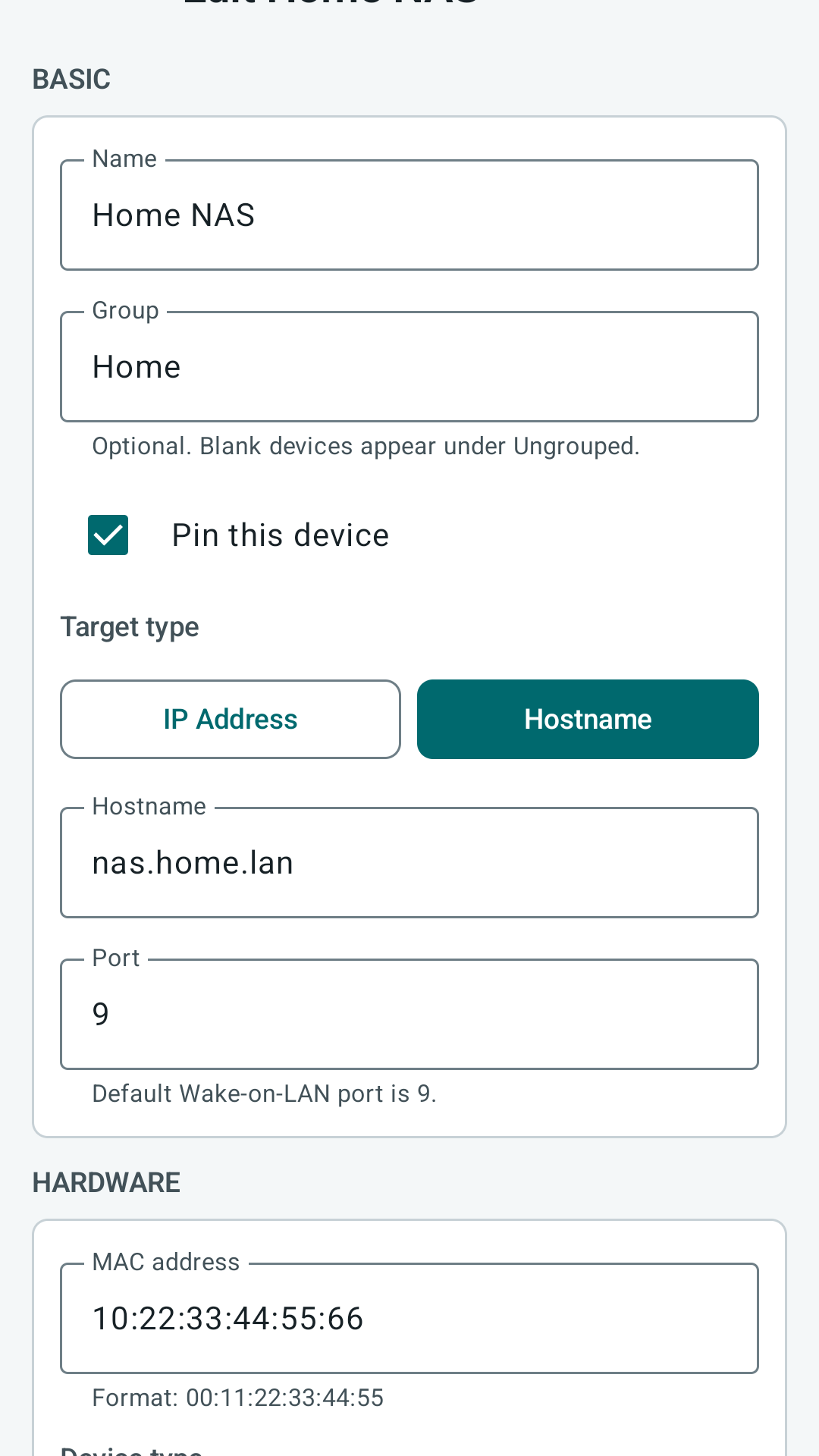
Start with target, MAC address, and UDP port 9. Add broadcast override, SecureOn, or retries only when you know why you need them.
Target address and broadcast override
A magic packet must reach the part of the network where the sleeping adapter can hear it. If sending to the device hostname or IP address does not work, use a broadcast override that matches the target subnet.
| Network | Common broadcast |
|---|---|
| 192.168.1.0/24 | 192.168.1.255 |
| 10.0.0.0/24 | 10.0.0.255 |
| 172.16.5.0/24 | 172.16.5.255 |
Routers, guest Wi-Fi, VLANs, and VPNs may block broadcast traffic. In those cases the app can send the packet, but the network may still drop it.
How to choose a broadcast address
If your home network uses addresses like `192.168.1.20`, the broadcast address is often `192.168.1.255`. If your network uses `10.0.0.20`, the broadcast address is often `10.0.0.255`.
This is not always true on larger or managed networks. If you are in an office, school, or lab, ask the network owner before guessing.
UDP port
UDP port 9 is the common default. Some networks use port 7 or a router-specific forwarded port. PacketWake lets you set the port per profile so each device can match its own network path.
It is the normal Wake-on-LAN starting point.
Some older tools or routers expect it.
SecureOn
SecureOn is an optional password used by some network adapters. Most devices do not need it. Leave SecureOn blank unless the computer, BIOS, or network card documentation says it requires one.
A wrong SecureOn value can make an otherwise correct wake packet fail.
Bounded retries
PacketWake can send a small bounded retry sequence for one wake action. This is not constant pinging and it is not a device status monitor. Retries are useful when Wi-Fi, VPN, or router timing makes one UDP packet easy to miss.
- Start with one packet before adding retries.
- Use a short retry count and interval.
- Avoid repeated manual tapping if a profile is wrong; fix the target, MAC, port, or broadcast first.
When to stop changing settings
If you have changed the target, broadcast, port, SecureOn, and retries and nothing works, stop and go back to the basics. Confirm the device can wake from the same local network with any known-good Wake-on-LAN tool.
What PacketWake does not hide
The app does not guarantee that the target woke up. It records the local wake attempt and any local send failure. Confirmation would require separate network checks, and those checks can be blocked or misleading for sleeping devices.