Local Wake-on-LAN for your phone
PacketWake
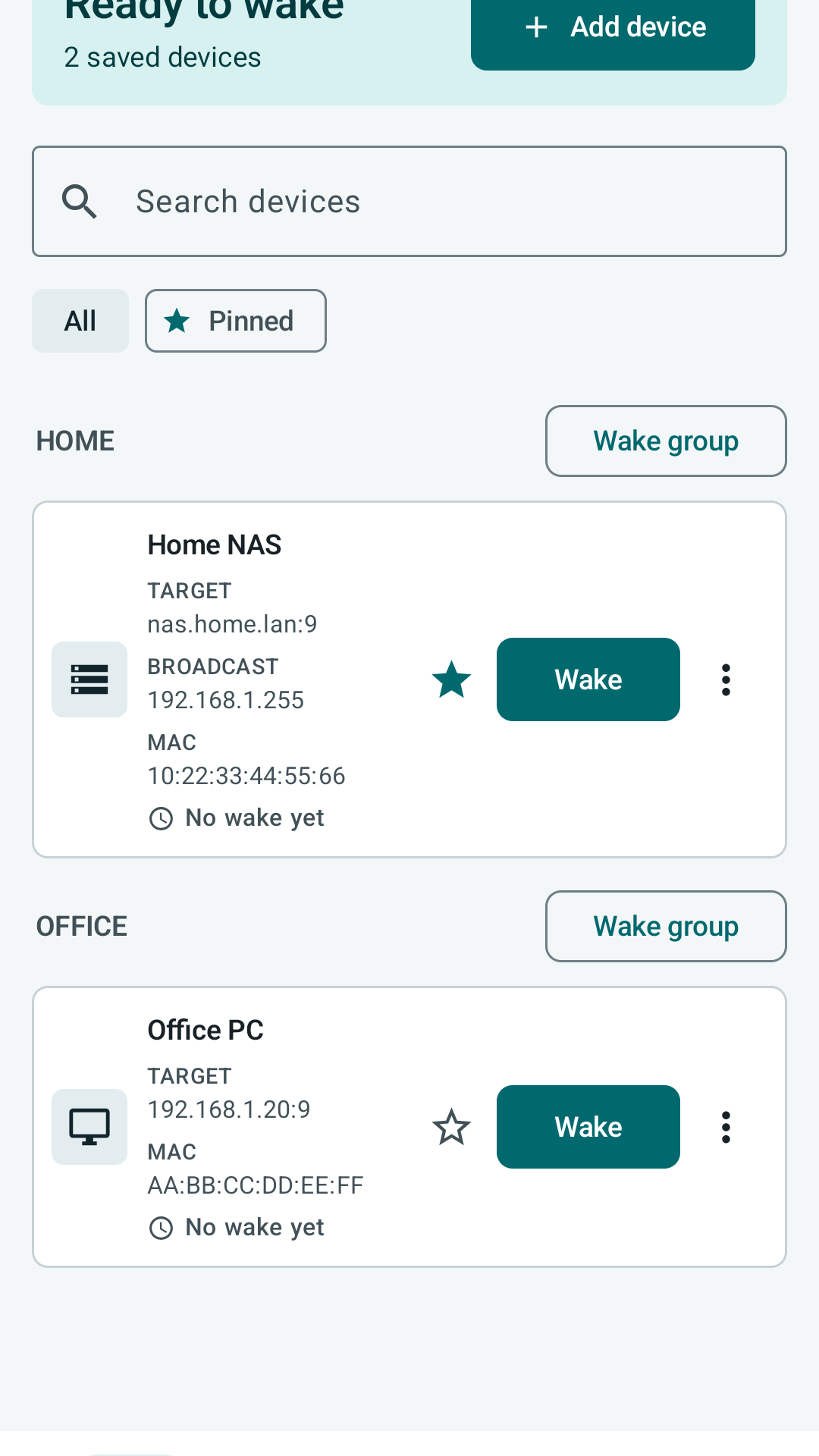
Wake PCs, servers, and NAS devices from iPhone or Android with organized profiles, deliberate wake actions, and no cloud account in the path.


- No account
- No ads
- No analytics
- Local profiles
Actual app workflow
Screens you can understand before installing
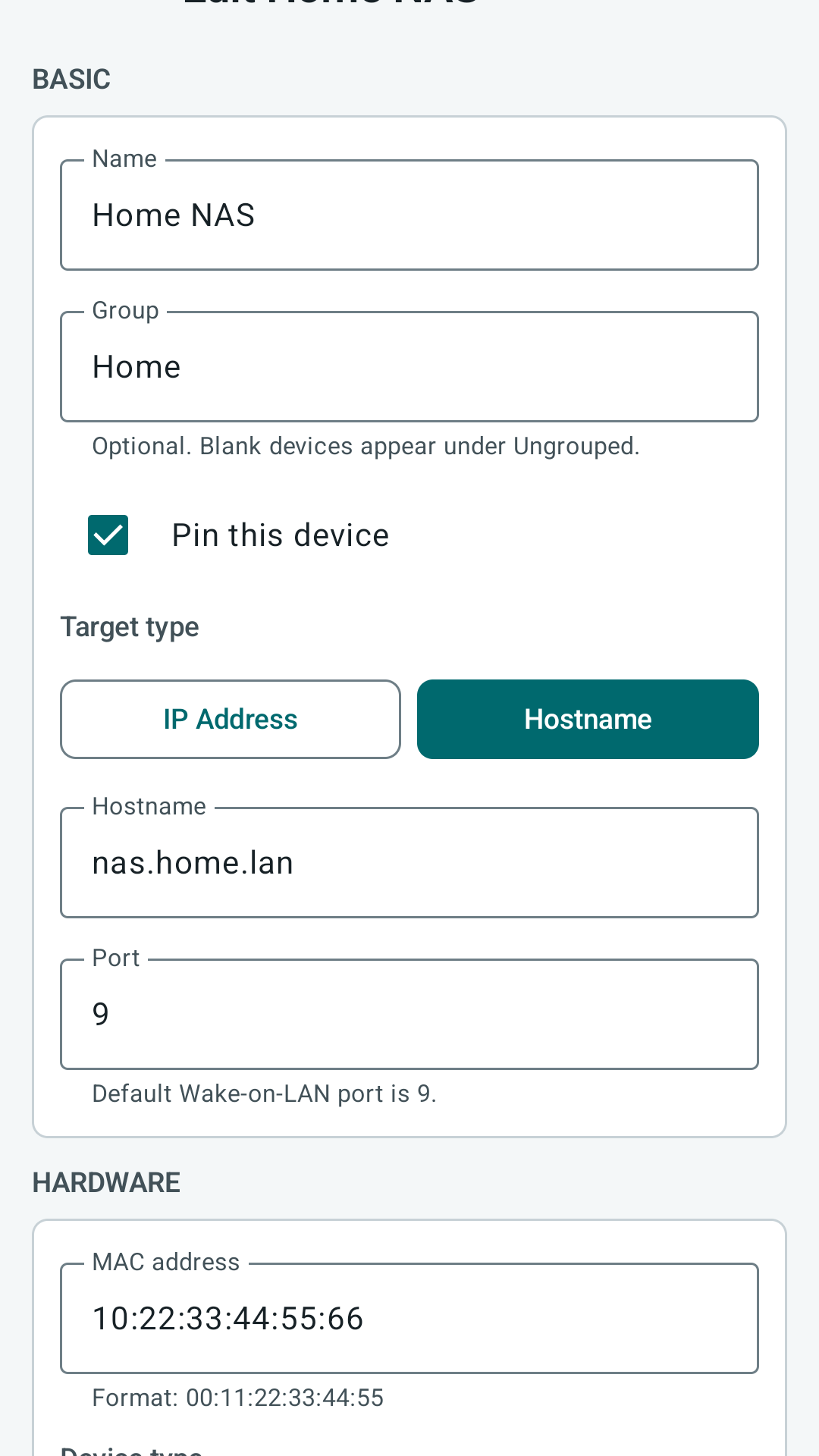
PacketWake keeps the main wake action obvious, moves destructive actions into menus, and exposes network details only when they help you fix or tune a profile.
Built for the real Wake-on-LAN workflow
Less guessing before you tap Wake
PacketWake focuses on the details that usually make Wake-on-LAN frustrating: MAC addresses, broadcast targets, ports, SecureOn, retries, and network boundaries.
Saved device profiles
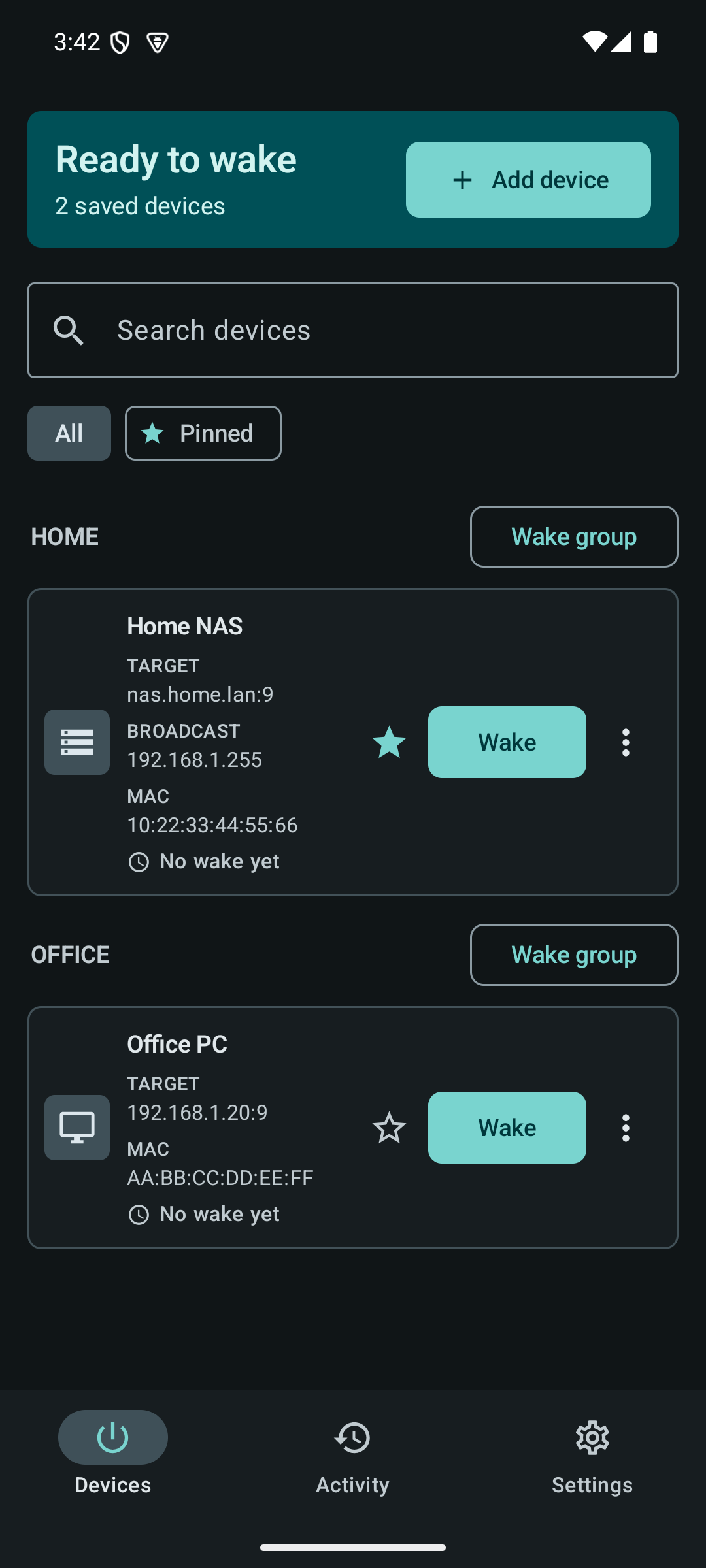
Keep separate profiles for PCs, servers, NAS units, and lab machines with names, optional groups, device types, notes, and favorite status.
Explicit wake actions
Wake is deliberate per device or per group. PacketWake does not quietly scan your LAN or pretend a sleeping device is confirmed online.
Network options when needed
Use UDP port 9, change ports, add a broadcast override, set a SecureOn password, or send a small bounded retry sequence.
Local activity history
See recent wake attempts and failures so you know what the app tried without turning that into misleading device status.
How it works
Wake-on-LAN is simple when the network is ready
PacketWake sends a magic packet that contains the target device MAC address. The target still needs firmware, operating system, adapter, and network support for Wake-on-LAN.
- Enable Wake-on-LAN in BIOS or UEFI and in the operating system network adapter settings.
- Add the device with its MAC address, target address or broadcast address, and UDP port.
- Tap Wake from your phone while it is on the same LAN, VPN, or routable network path.
Guides
Set it up without folklore
Each guide maps to real app surfaces and real network choices, not vague Wake-on-LAN advice.
Setup guide
Enable firmware, OS, router, and app settings for Wake-on-LAN.
Troubleshooting
Work through failed wakes, guest Wi-Fi, VLANs, VPNs, and wrong MAC addresses.
Import / Export
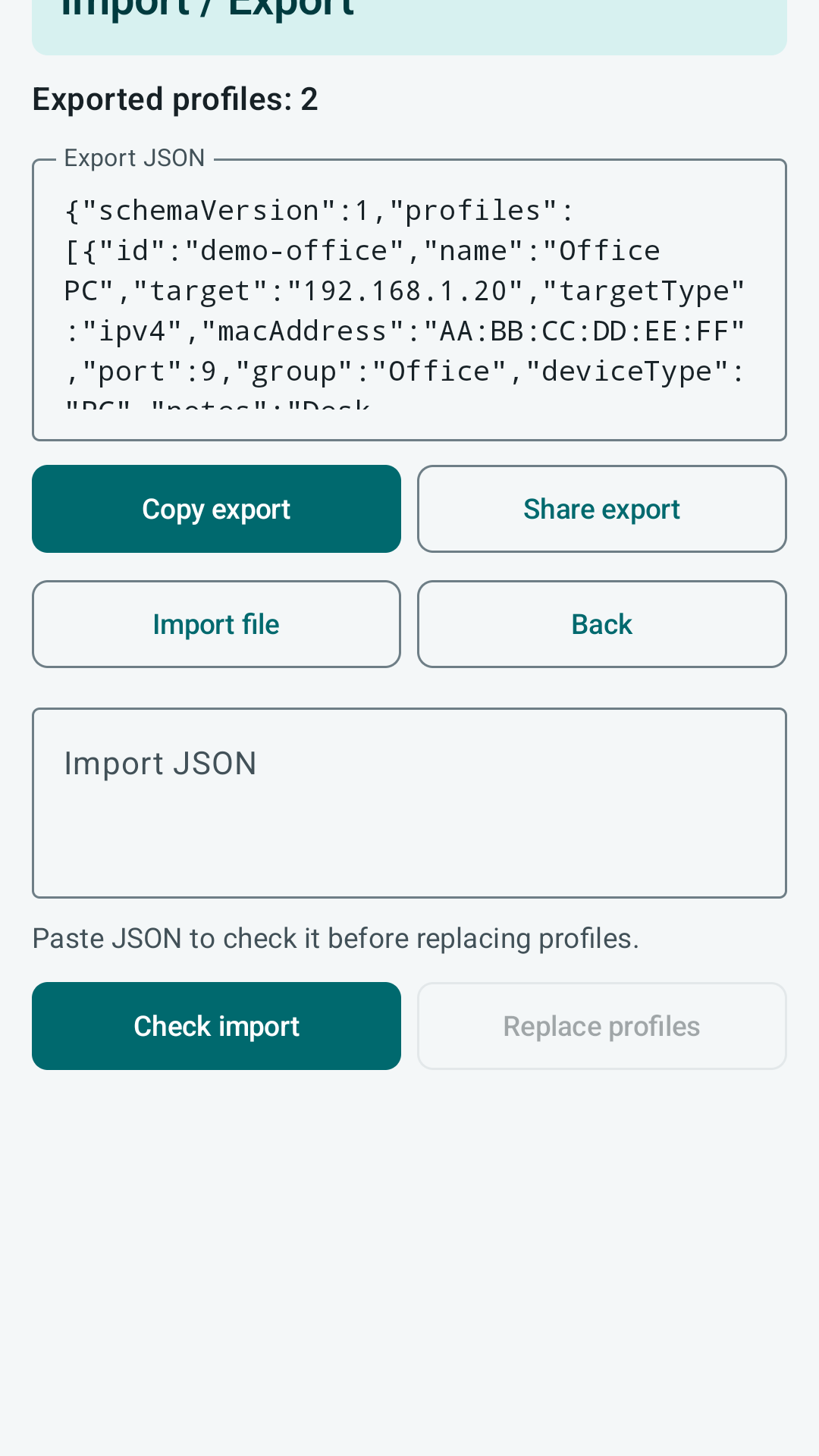
Back up and move profiles with versioned JSON and import preflight checks.
Network settings
Know when to use broadcast override, SecureOn, custom ports, and bounded retries.
Quick wake controls
Use pinned profiles, Android widget, Quick Settings tile, and explicit wake shortcuts safely.
Privacy
Understand what stays in local app storage and what is included in exports.
Feature walkthrough
The app stays small, but the workflow is complete
Organize
Group devices when useful, leave Group blank when it is not, and pin the machines you wake most often.
Configure
Choose IP address or hostname, set MAC, port, broadcast override, SecureOn, retries, and notes.
Wake
Wake a single profile or a group with a clear action and local activity record.
Move
Use explicit export and import preflight instead of account sync or cloud storage.
Privacy-first utility
No developer account, cloud relay, ads, or analytics
Profiles stay in local app storage unless you explicitly export them. PacketWake sends Wake-on-LAN packets to the network target you choose.
FAQ
Common questions
Can PacketWake tell if my PC is on or off?
Not reliably without additional network checks. PacketWake records wake attempts and avoids presenting a sleeping or blocked device as confirmed online or offline.
Does Wake-on-LAN work over Wi-Fi?
The phone can usually be on Wi-Fi, but the target device often needs wired Ethernet and adapter support for waking from sleep or shutdown.
What port should I use?
UDP port 9 is the common default. Some networks or tools use port 7. Match the target network and router configuration.