Guide
Local data and privacy
PacketWake is designed as a local utility. It does not require a PacketWake account and it does not use advertising, analytics, or cloud sync.
The simple version
Your saved devices stay on your phone. PacketWake does not make you create an account, does not send your device list to a PacketWake server, and does not use ads or analytics.
If you export profiles, treat that export like a private note about your home or office network.
What stays in local app storage
- Saved device profiles.
- Groups, pinned state, device type, and notes.
- Network settings such as target, UDP port, broadcast override, SecureOn, and retry configuration.
- Recent local activity records for wake attempts and local send failures.
What a wake action sends
A Wake-on-LAN magic packet contains the target MAC address and optional SecureOn value when configured. PacketWake sends it to the target address and UDP port in the selected profile.
That packet is sent to the network target you chose. It is not a login, remote desktop session, or cloud command.
No account, no analytics
PacketWake does not collect profile data for the developer, does not create user accounts, does not include ads, and does not use analytics tracking.
Exports are user-controlled
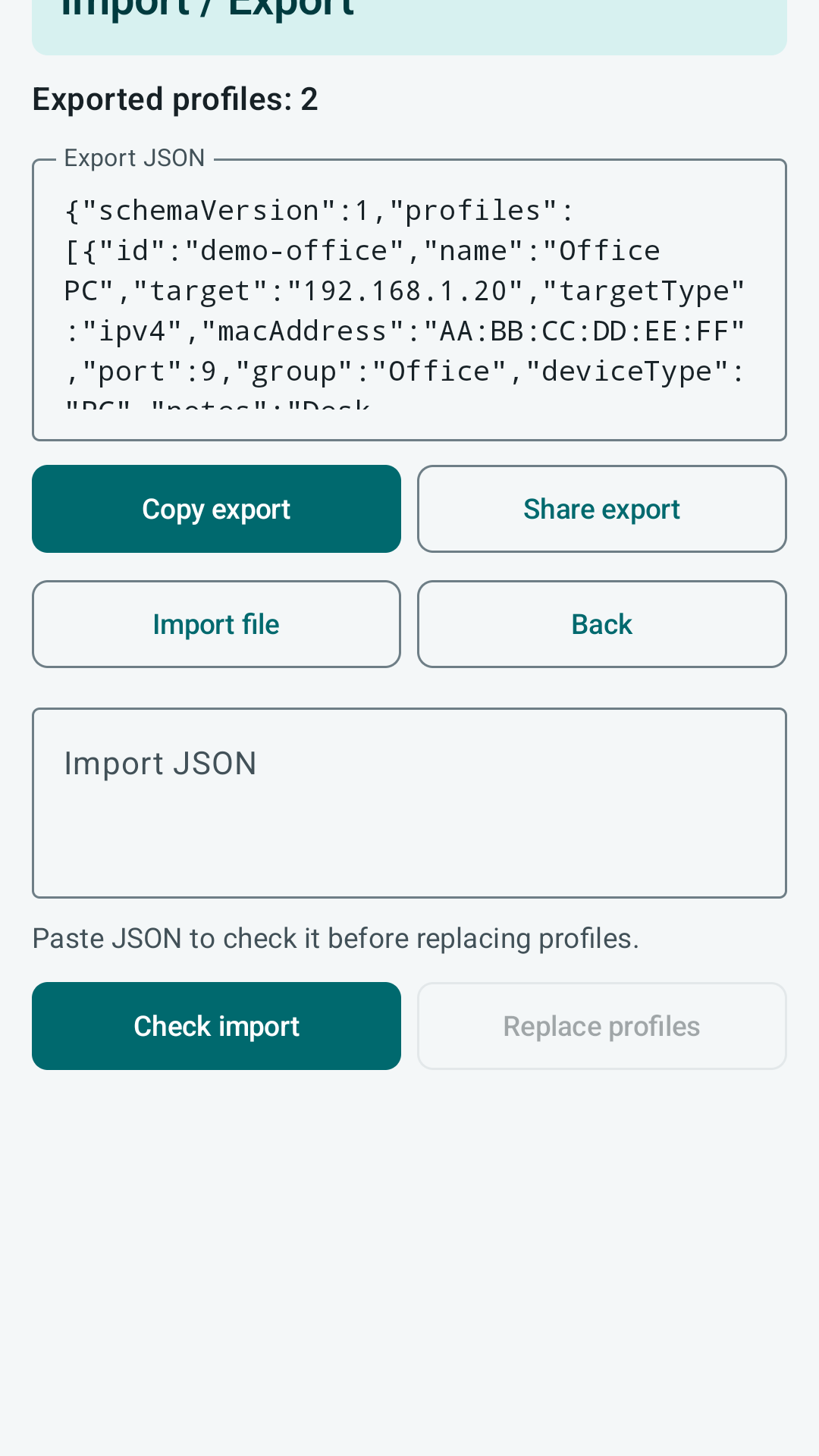
Exports are explicit. When you copy or share an export, you control where that JSON goes. The export can include MAC addresses, hostnames, notes, and network settings, so treat it as private configuration data.
A backup file stored in your own password-protected notes, drive, or computer.
An export sent to another person may reveal device names, MAC addresses, hostnames, and network notes.
Why PacketWake does not show online/offline status
A sleeping computer often cannot answer normal network checks. Pinging too often can also be noisy and still give the wrong answer. PacketWake records wake attempts instead of pretending it knows the true power state.
Deleting local data
You can remove individual profiles inside the app. Removing the app from your phone also removes its local app storage according to the platform rules for Android or iOS.