Troubleshooting
Wake-on-LAN troubleshooting guide
If PacketWake says it tried to wake the device but the device stays asleep, do not change everything at once. Work through one check at a time.
The simple version
When Wake-on-LAN fails, the problem is usually one of four things: the computer is not allowed to wake, the MAC address is wrong, the phone is on the wrong network, or the router blocks the packet.
Start with the easiest test: same room, same normal Wi-Fi, target computer connected by Ethernet, and port 9.
Start with these five checks
- Make sure the target computer is asleep, not fully powered off unless that computer supports shutdown wake.
- Make sure the target computer is connected by Ethernet if possible.
- Make sure the phone is on the normal home or office Wi-Fi, not guest Wi-Fi.
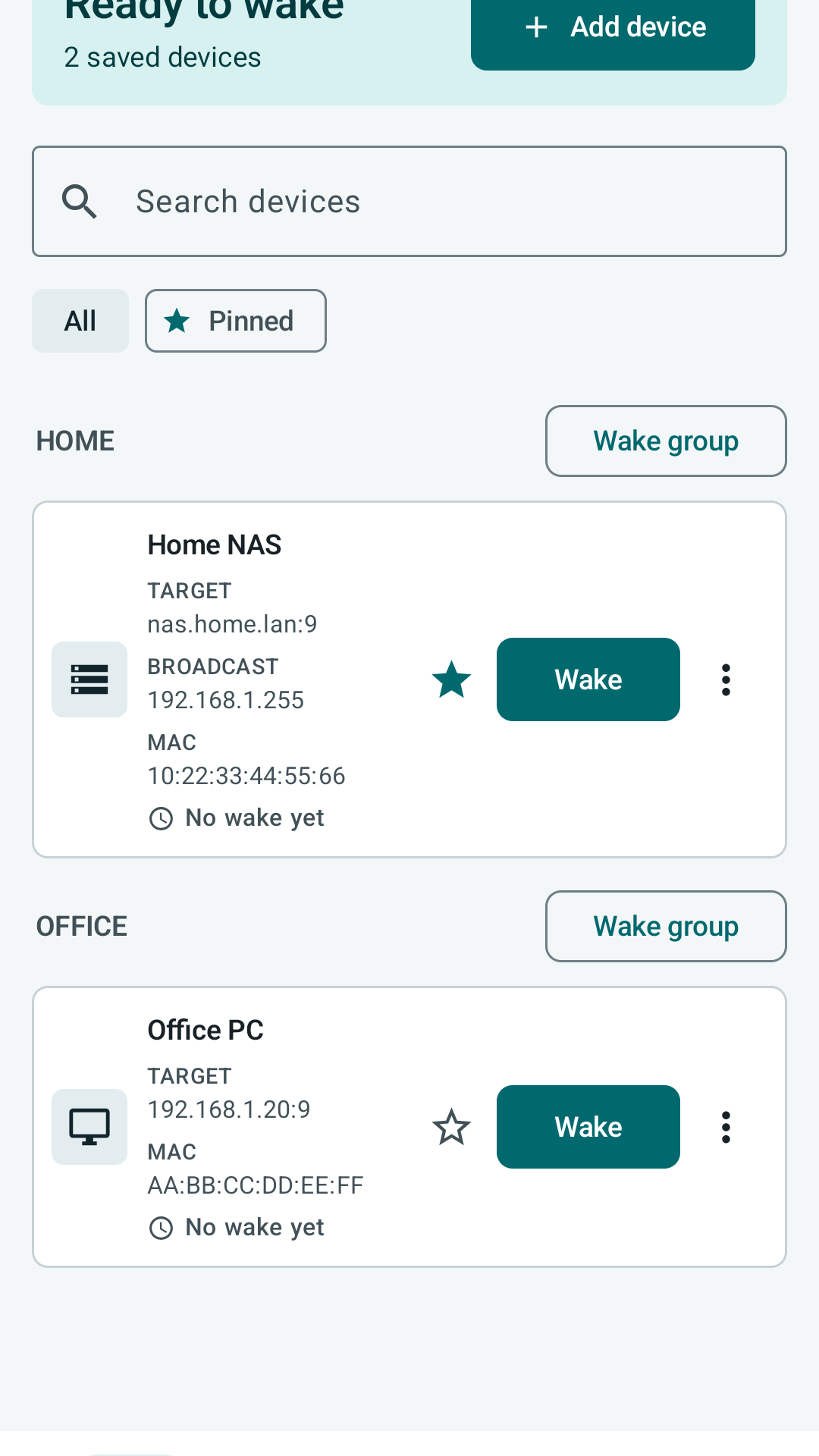
- Check the MAC address in PacketWake against the real network adapter.
- Try UDP port 9 first.
Match the symptom to the likely cause
| Symptom | Likely cause | What to check |
|---|---|---|
| Nothing wakes from shutdown | Firmware or adapter standby power is disabled. | BIOS or UEFI Wake-on-LAN, ErP settings, PCI-E wake, and adapter power management. |
| Wake works from sleep but not shutdown | The target hardware only supports sleep-state wake. | Motherboard, network adapter, and operating system documentation for shutdown wake support. |
| Wake works on Ethernet but not Wi-Fi target | The target adapter cannot wake over Wi-Fi. | Use wired Ethernet for the sleeping target where possible. |
| Wake fails on guest Wi-Fi | Client isolation blocks local packets. | Move the phone to the main LAN SSID or disable guest isolation if appropriate. |
| Wake fails across VLANs or VPN | Broadcast or UDP forwarding is blocked. | Router, firewall, VPN, and directed-broadcast rules. Use a broadcast override only when your network supports it. |
Profile checks inside PacketWake
- Confirm the MAC address belongs to the target adapter that stays powered while sleeping.
- Confirm the target field resolves on your local network if you use a hostname.
- Try the subnet broadcast address, such as 192.168.1.255, when a direct IP target does not work.
- Use UDP port 9 first, then test port 7 only if needed.
- Remove SecureOn unless the target explicitly requires it.
Network checks in plain language
Guest networks often block phones from reaching computers. Use the main Wi-Fi network for testing.
A VLAN is a separated network area. Wake packets may not cross from one area to another unless the router allows it.
A VPN may not pass broadcast packets. Test locally before testing through a VPN.
Some routers block directed broadcast or UDP forwarding. PacketWake cannot override those router rules.
iPhone and Android permissions
On iPhone, allow local network access if the system asks for it. On Android, make sure battery or network restrictions are not preventing the app from sending while you interact with it.
If it still does not work
Try another known Wake-on-LAN tool from the same phone or another computer on the same network. If that tool also fails, fix the target computer or router first. If another tool works and PacketWake does not, check the PacketWake profile fields again.
When to contact support
Email support@packetwake.app with the target device type, target sleep state, phone platform, PacketWake target field, UDP port, broadcast override if used, and whether another Wake-on-LAN tool wakes the same target from the same network.